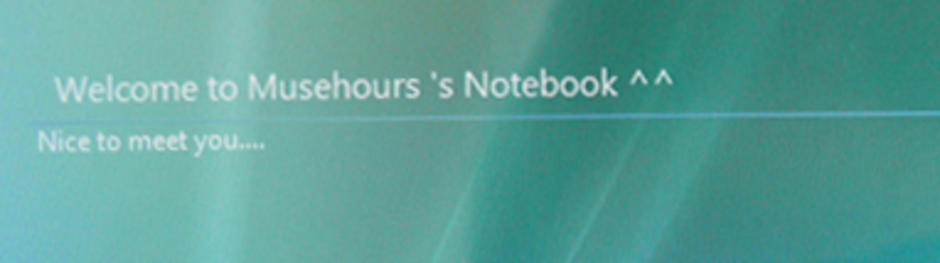
บันทึกไว้กันลืม ลองแล้วทำได้ จริงค่ะ
ทุกครั้งที่ Logon เข้า Vista จะมี screen แบบเรียบๆ ธรรมดาๆ ถ้าเรา ที่อยากให้มีคำต้อนรับเท่ๆ ตอนช่วงก่อน Logon
เข้าระบบคุณๆ ก็สามารถ ทำได้ไม่ยาก
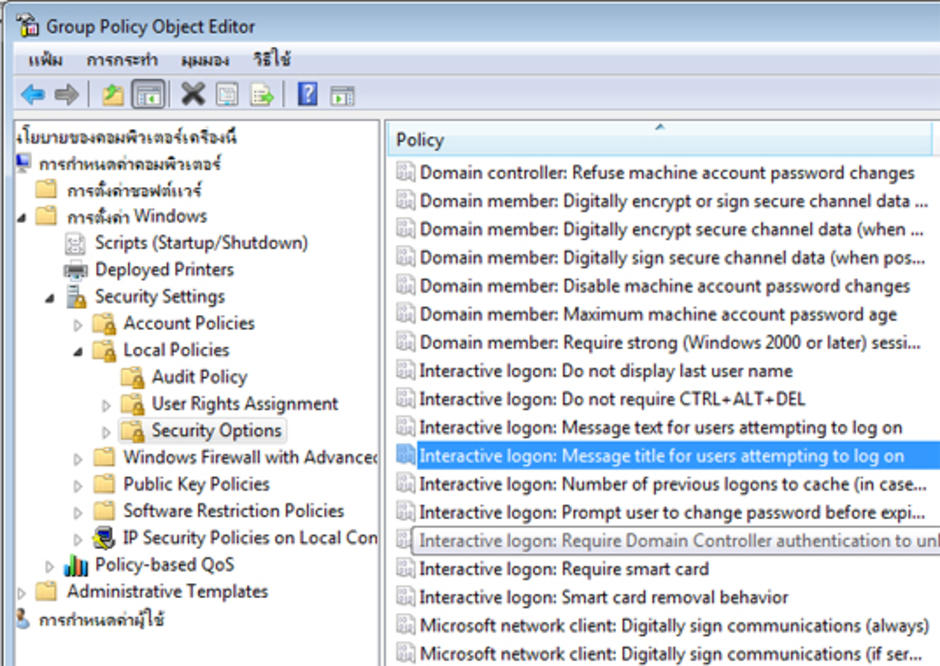
1.ให้พิมพ์คำว่า gpedit.msc ที่ Run แล้ว Enter
2.ที่หน้าต่าง Group Policy Object Editor ให้คลิกที่เมนูตามนี้ การตั้งค่า windows > Security Settings > Local Policies > Security Options
>>Interactive logon: Message text for users attempting to log on(เนื้อหา)และ
>>Interactive logon: Message title for users attempting to log on (หัวเรื่อง)
1.
2.
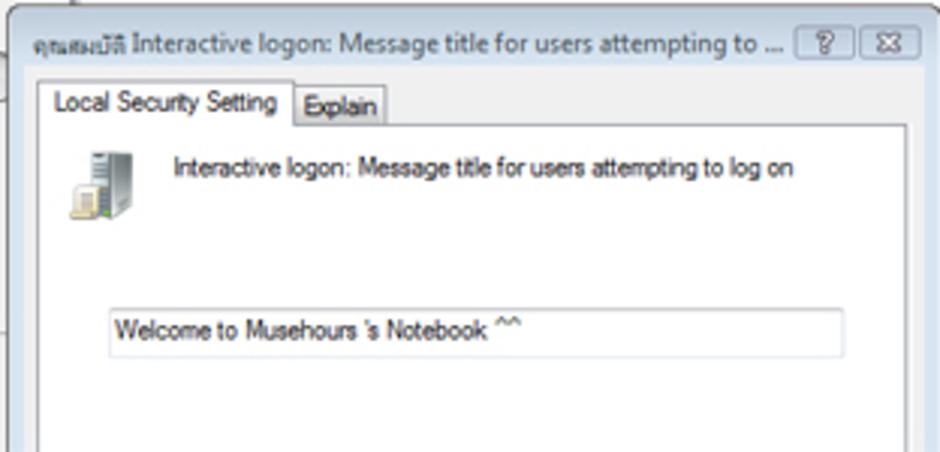
3.